try: A Simple Way to Manage Experiment Directories
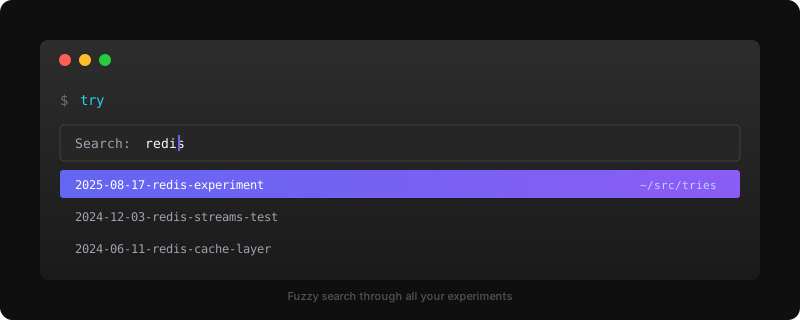
I live in the terminal, and try fits perfectly into that world. I’ve been using it almost since the day it was released on GitHub. It’s a TUI for managing experiment directories. I just type try, get a fuzzy search bar, and jump to any project even if I only vaguely remember its name. All my experiments end up in ~/src/tries, neatly organized and always findable.
The clone feature has become a habit. Spot something interesting on Hacker News or Twitter? I just try clone <url> and I’m in. Then I fire up CC or Cursor, start asking questions about the codebase, and get a feel for the project before I even commit to trying it properly. It’s become my go-to way to explore new tools.